Scale your
business with
Stargazy Enginehouse
Unlock all the most powerful online marketing tools for the cost of just one.
All you need to launch and grow, inside one simple platform.
Everything you need to start and scale
No more hopping between tabs and tools.
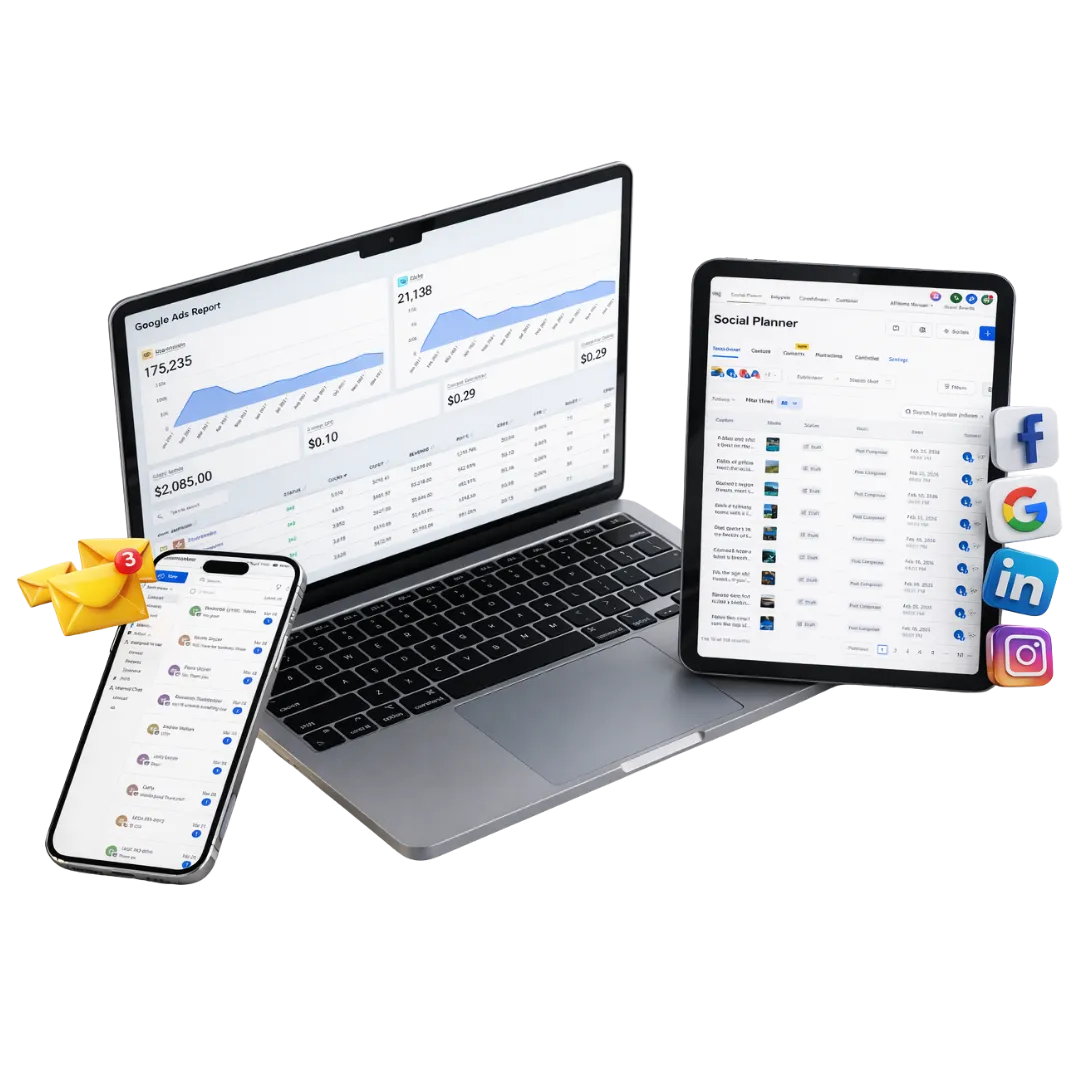
Enginehouse saves over £1000 per month in other software subscriptions to provide an all-in-one marketing and CRM platform
AI engine
Create an AI chatbot that speaks in your brand voice to answer customer queries and pass on to your team members. Automatic missed call responses and much more.
Instant ad launcher
Spin up ad campaigns in seconds using a library of proven, high-performing ad templates. Get extra support from our Meta certified ads experts.
All-in-one CRM
Capture and manage leads, book calls, and build websites and forms from one clean, central dashboard. Receive text messages, emails, WhatsApps, calls, and social messages in one place.
Do you have your own industry software?
We can integrate!
Simpro - ResDiary - OpenTable - Lightspeed - Rotaready - Hireserve - Jobadder - Cliniko - SystmOne - Reapit - Dezrez - Procore - Tradify - Oneserve - Access Hospitality - SIMS - Arbor - Clio - Mindbody - Ockham - Vetting360 - Bullhorn
And 1000s more! If it uses an API, we can connect it.
Step 1: Capture new leads
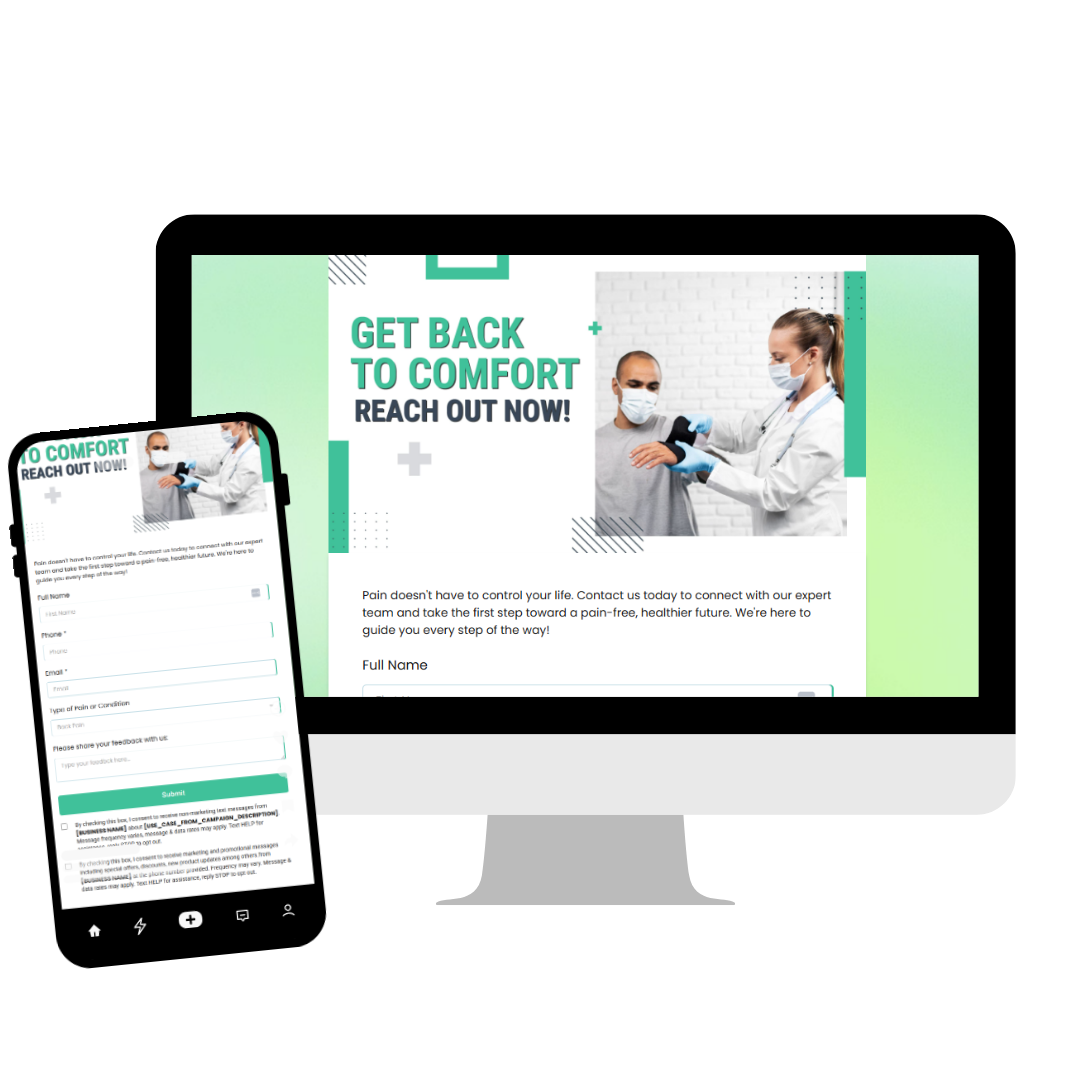
Enginehouse gives business owners a complete, ready-to-go toolkit. Use the ads launcher and page builder to start bringing in fresh leads fast.
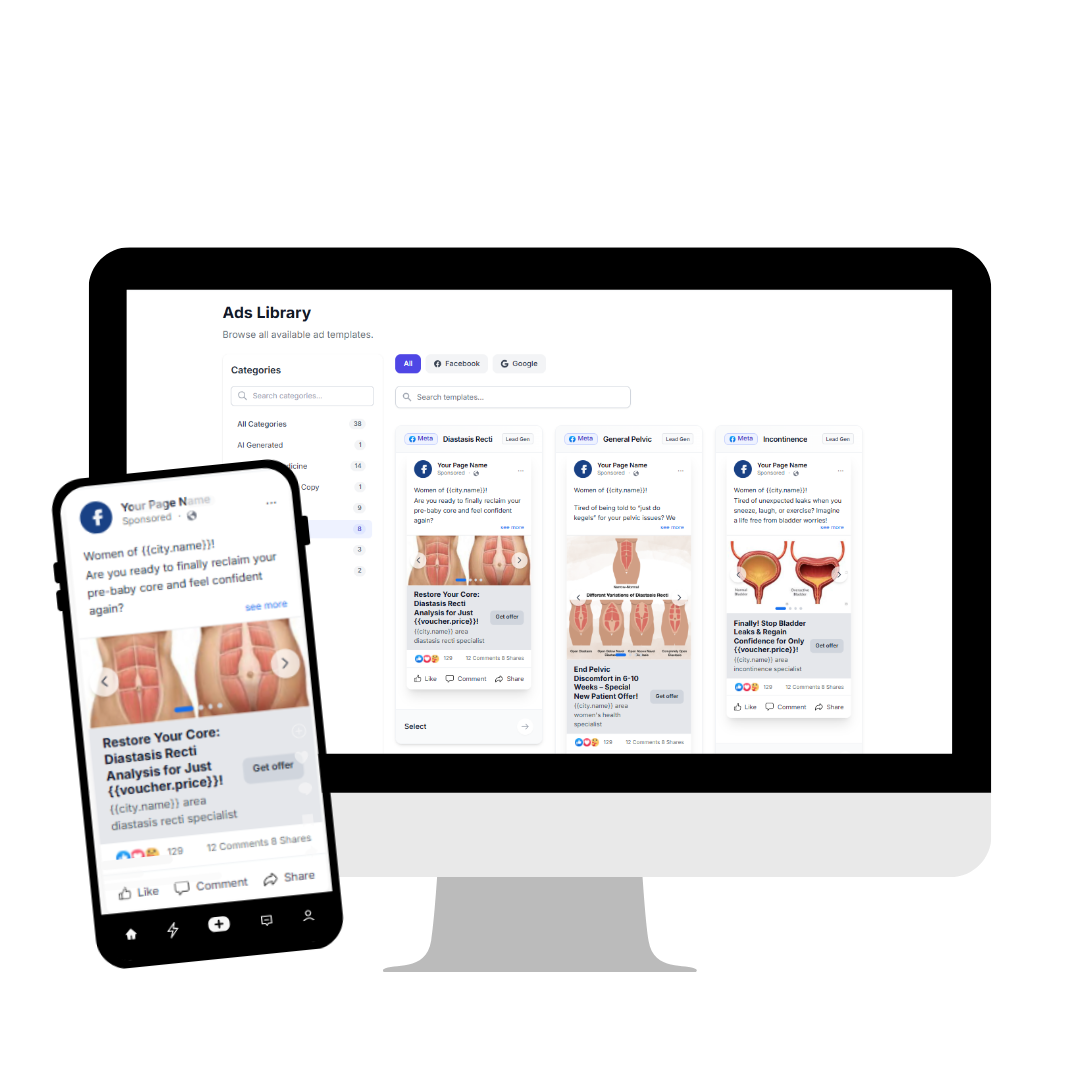
Launch ads in a few clicks
Build and publish high-converting Facebook and Google ads in moments. Pick from battle-tested templates and start driving traffic straight away.
Websites and funnels that convert
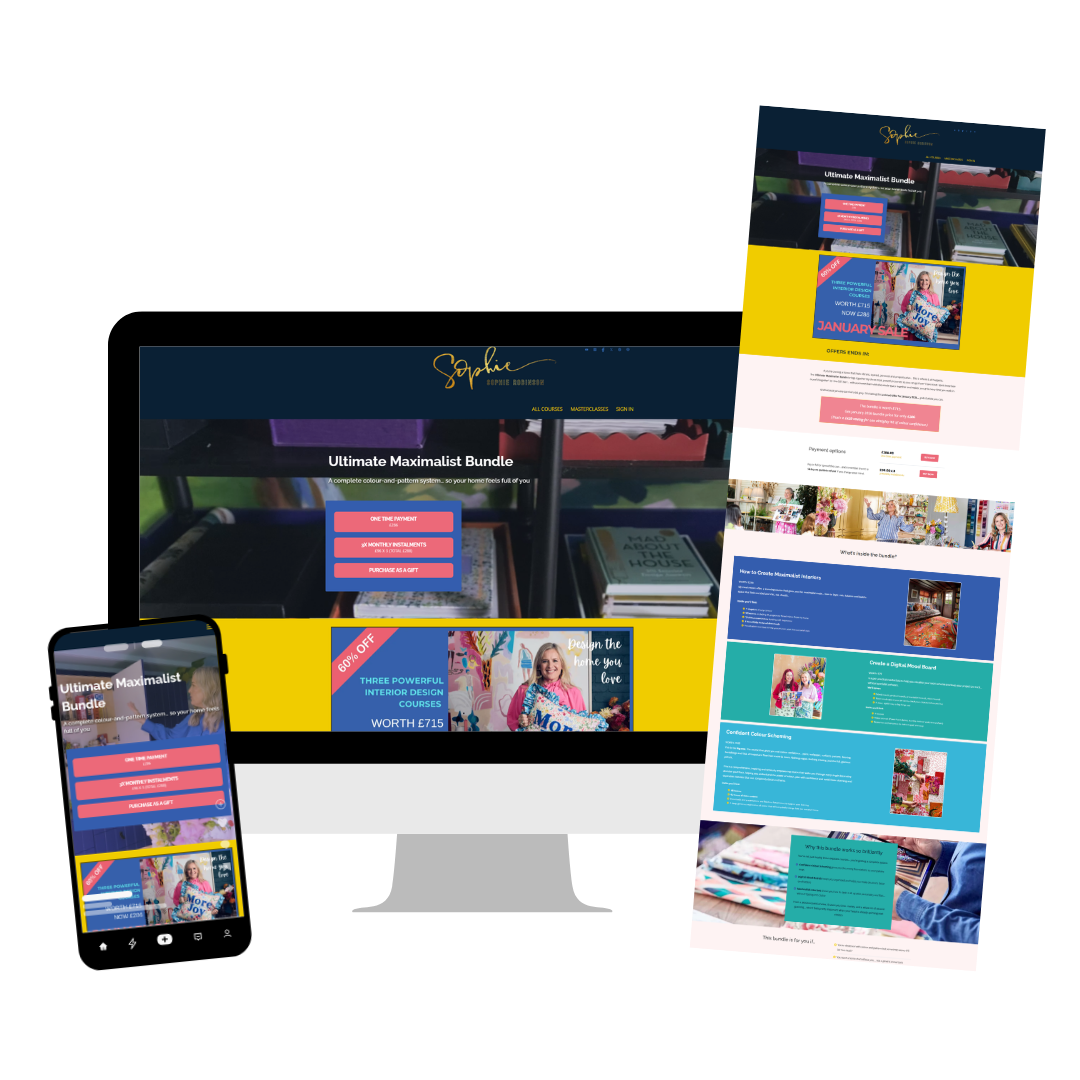
Design full websites with custom menus plus engaging landing pages tailored to your offers.
Drag and drop surveys and forms
Collect leads with built-in surveys and forms that plug directly into the page builder, no extra tools required.
Step 2: AI-powered lead nurturing
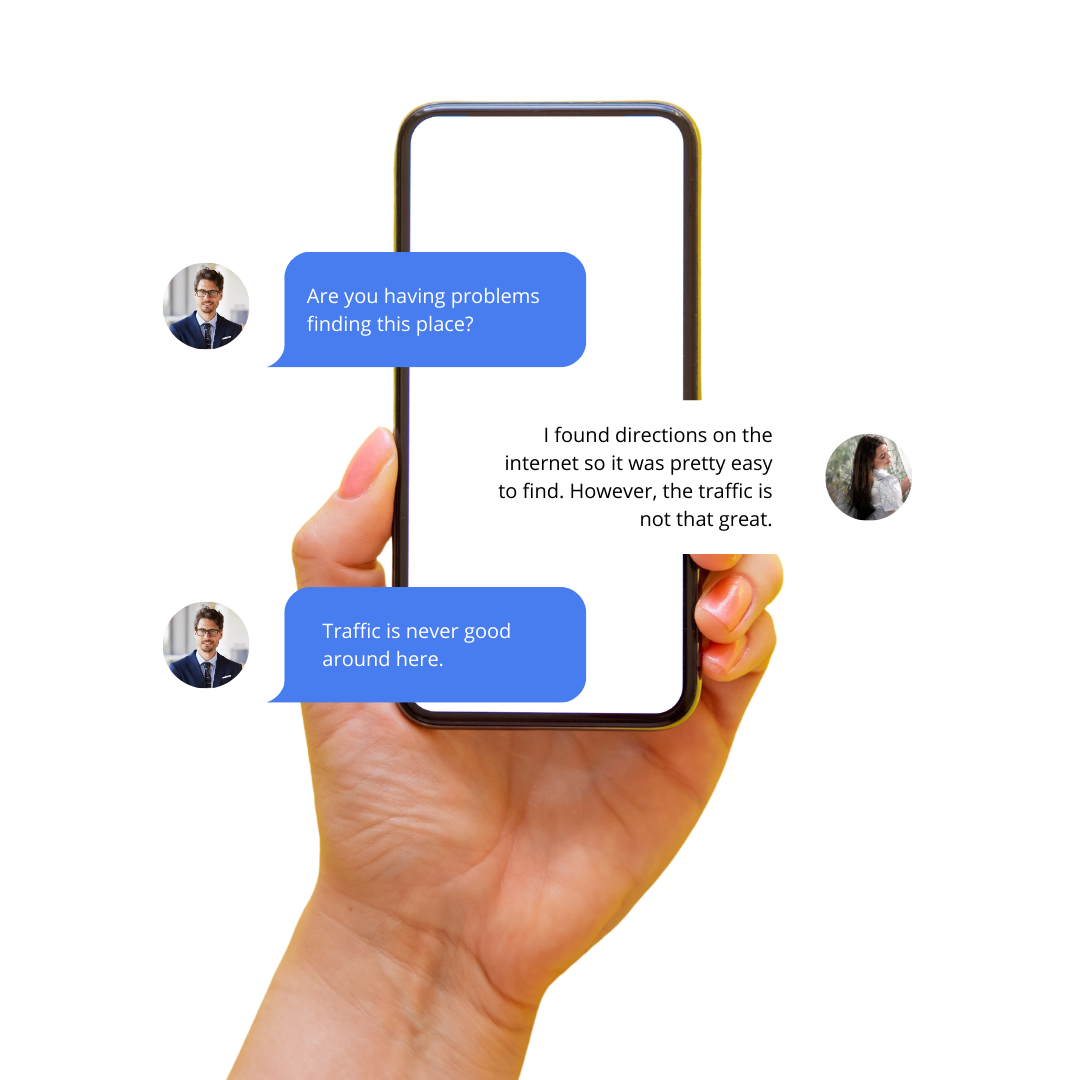
Our built-in AI reshapes the way you nurture prospects, speaking to them around the clock.
Always-on engagement
Answer questions, qualify prospects, and book appointments using natural, human-style conversations 24/7.
Multi-channel campaigns
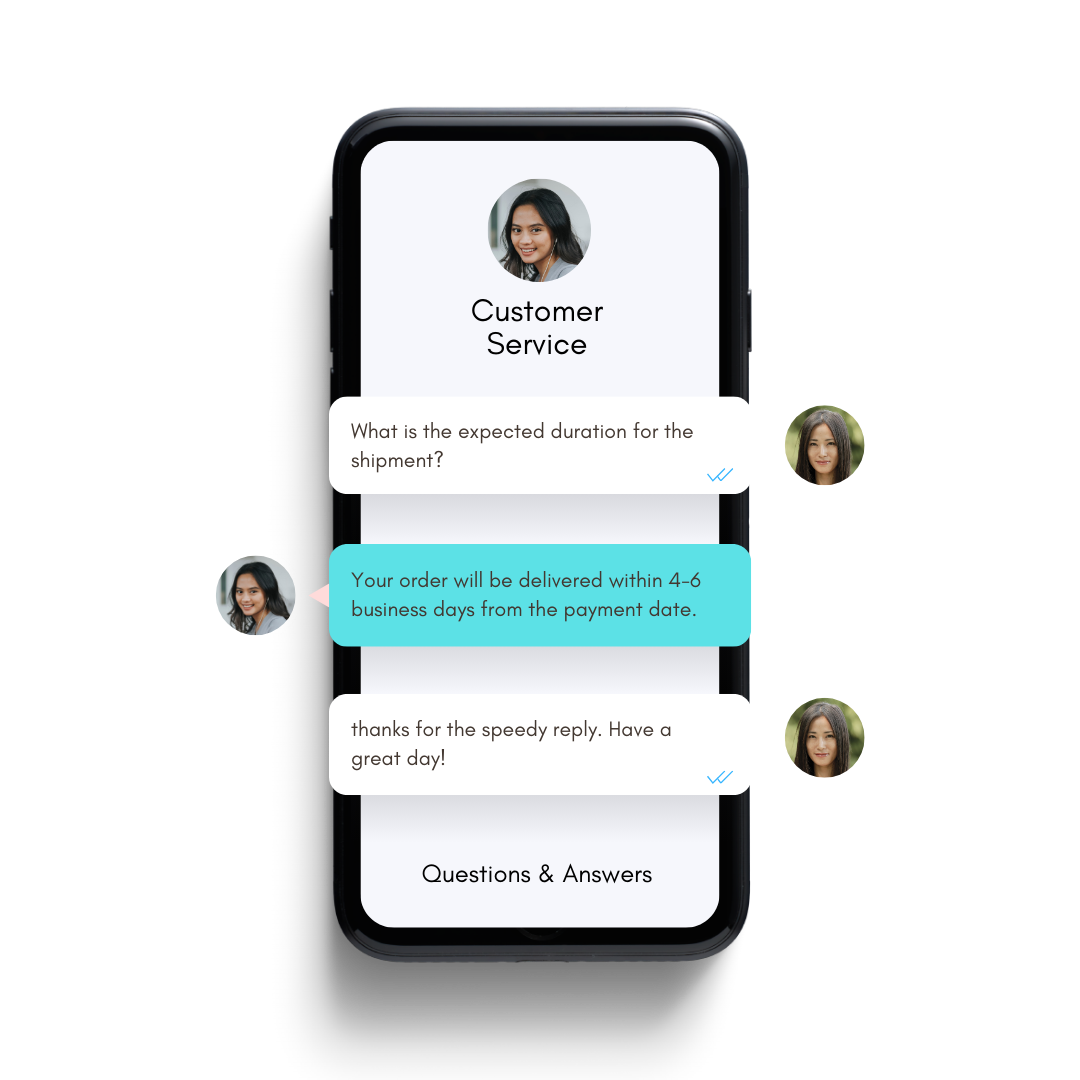
Reach people via Phone Connect, voicemail drops, SMS/MMS, email, and Facebook Messenger, all from one place. Never miss an enquiry again.
Two-way conversations anywhere
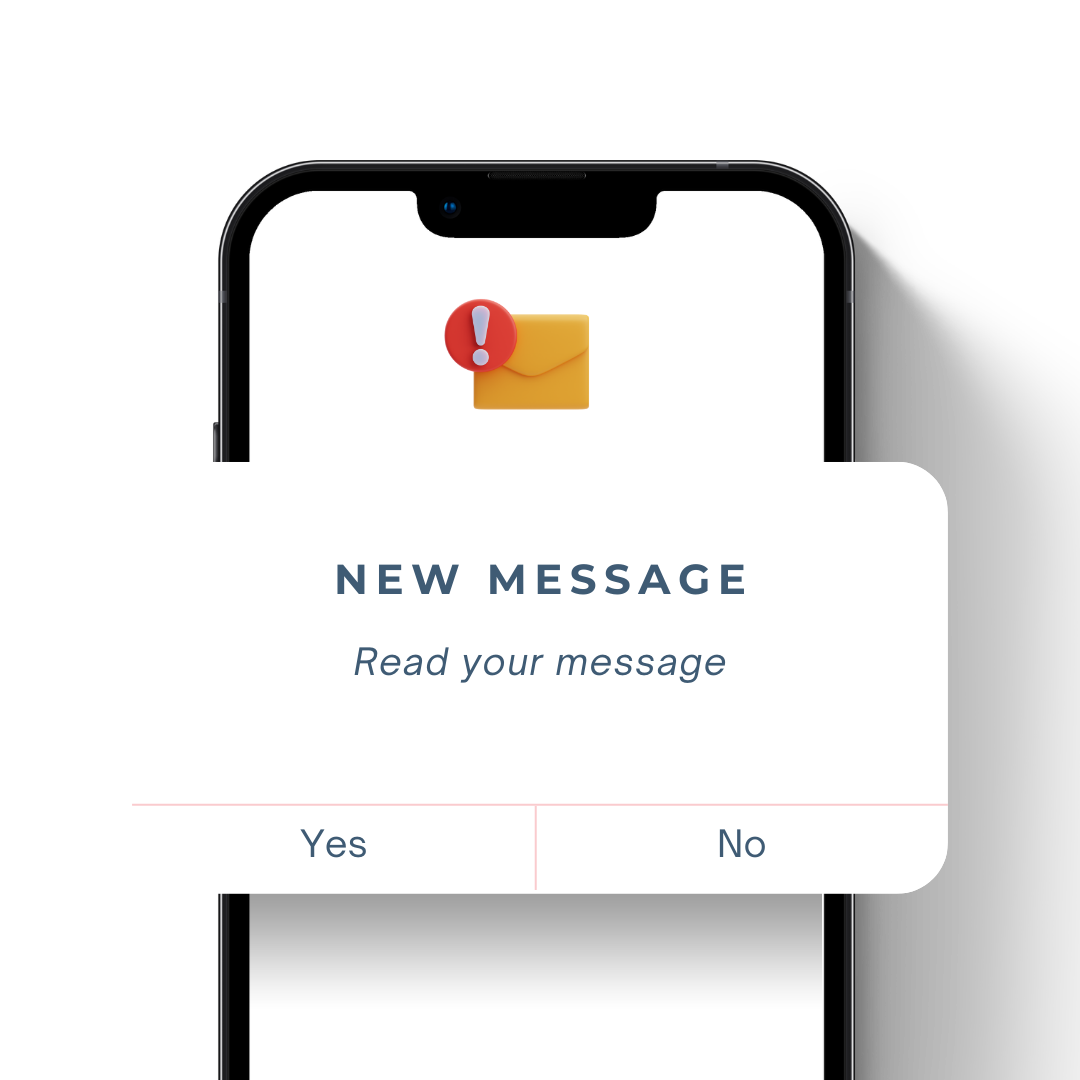
Use the mobile app to message, reply, and manage conversations with leads on any device.
Step 3: Close more deals
Improve your close rate without piling on more work.
Pipeline management
See exactly where every lead sits in your sales funnel and move them forward with confidence.
Built-in payments
Take payments through Stripe directly on your websites, funnels, and appointment booking pages.
Analytics that actually help
Get instant visibility on lead flow and revenue at each stage so you can focus on what is working.
The Enginehouse
growth framework
Capture new leads
Enginehouse gives business owners a complete, ready-to-go toolkit. Use the ads launcher and page builder to start bringing in fresh leads fast.
AI-powered lead nurturing
Our built-in AI reshapes the way you nurture prospects, speaking to them around the clock.

Close more deals
Improve your close rate without piling on more work.

Step 1: Capture new leads
Enginehouse gives business owners a complete, ready-to-go toolkit. Use the ads launcher and page builder to start bringing in fresh leads fast.
Launch ads in a few clicks
Build and publish high-converting Facebook and Google ads in moments. Pick from battle-tested templates and start driving traffic straight away.
Websites and funnels that convert
Design full websites with custom menus plus engaging landing pages tailored to your offers.
Drag and drop surveys and forms
Collect leads with built-in surveys and forms that plug directly into the page builder, no extra tools required.
Step 2: AI-powered lead nurturing
Our built-in AI reshapes the way you nurture prospects, speaking to them around the clock.
Always-on engagement
Answer questions, qualify prospects, and book appointments using natural, human-style conversations 24/7.
Multi-channel campaigns
Reach people via Phone Connect, voicemail drops, SMS/MMS, email, and Facebook Messenger, all from one place. Never miss an enquiry again.
Two-way conversations anywhere
Use the mobile app to message, reply, and manage conversations with leads on any device.
Step 3: Close more deals
Improve your close rate without piling on more work.
Pipeline management
See exactly where every lead sits in your sales funnel and move them forward with confidence.
Built-in payments
Take payments through Stripe directly on your websites, funnels, and appointment booking pages.
Analytics that actually help
Get instant visibility on lead flow and revenue at each stage so you can focus on what is working.







What our customers say
Run by an award-winning marketing agency

Stargazy Enginehouse is developed, managed, and customised by Stargazy Solutions, a multi award-winning digital marketing agency based in Cornwall.
Since 2011, the team has been helping businesses across the UK with hands-on marketing consultation and fully outsourced digital marketing, acting as a virtual CMO so you can focus on running the rest of your business. They have worked with best-selling authors, TV personalities, keynote speakers, and well-established trade businesses.
Frequently Asked Questions
Will I be charged for updates?
No. Updates and new templates are included for FREE and appear in your account automatically.
Is my data safe?
Yes. Security is a key priority. You are not relying on third-party plugins that can be easily compromised.
How do I cancel?
Just send us an email. No hoops to jump through and no hard feelings.
Do you offer onboarding support?
Yes. We provide free onboarding to help set up your account and get you up and running quickly.
Do you offer Done For You or Mentoring?
Absolutely. If you recognise the need for this set of tools, but don’t have the time or inclination to embed them into your business, our team can do it for you. Not only will you get full access to Enginehouse, with Stargazy Solutions at the helm you will get a huddle of dedicated professionals to ensure you’re using it in the most productive way.
Is 2026 the year you finally simplify your marketing?
Copyrights 2026 | Stargazy Solutions | Terms & Conditions